Wifi in Ski Chalets: Fibre, Starlink and Staying Connected in the Mountains

Internet in the Alps has come a long way. How chalets get online, what Starlink means for remote mountain homes, and what to ask before booking if you need to work from the slopes.

Guides5 min read

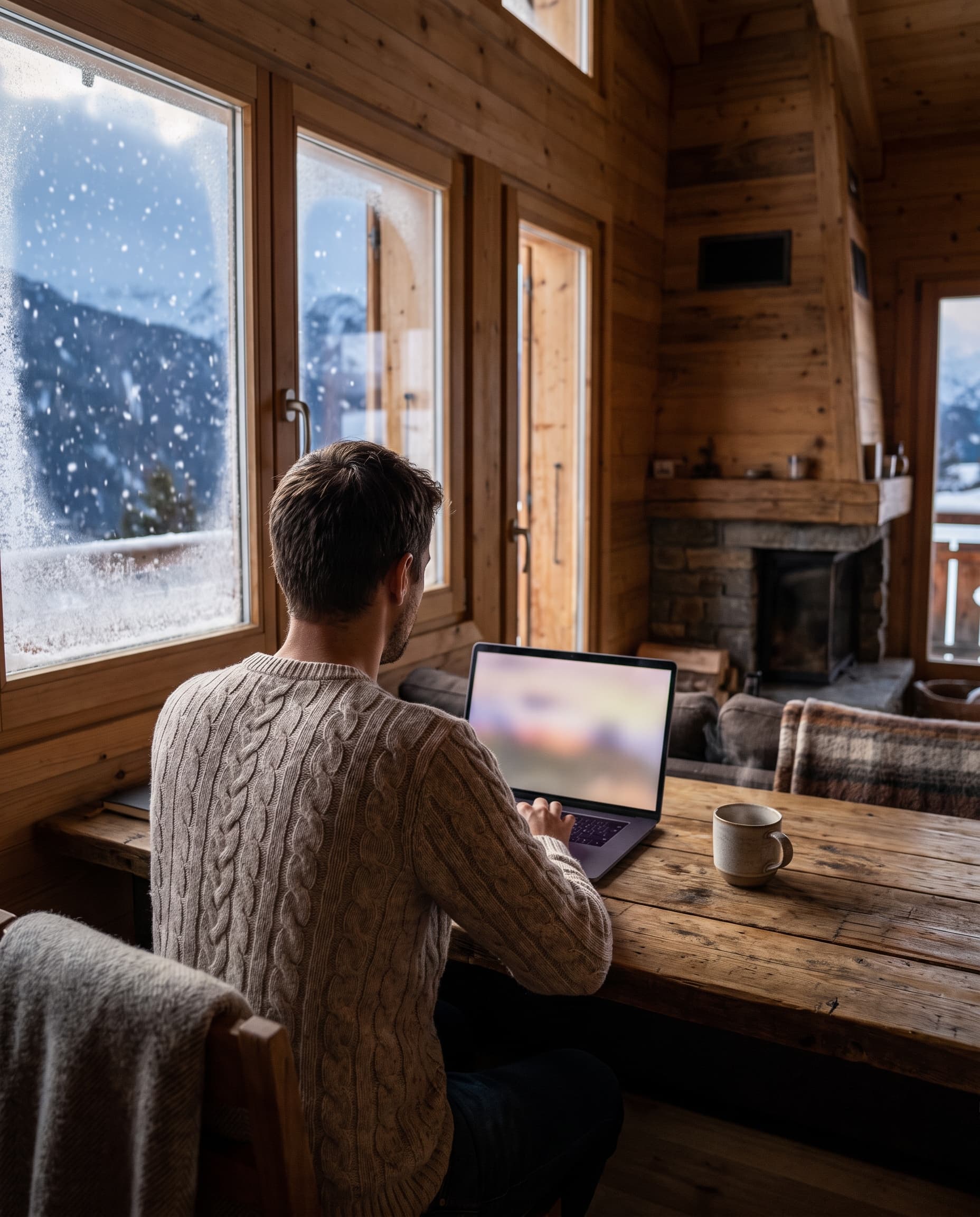
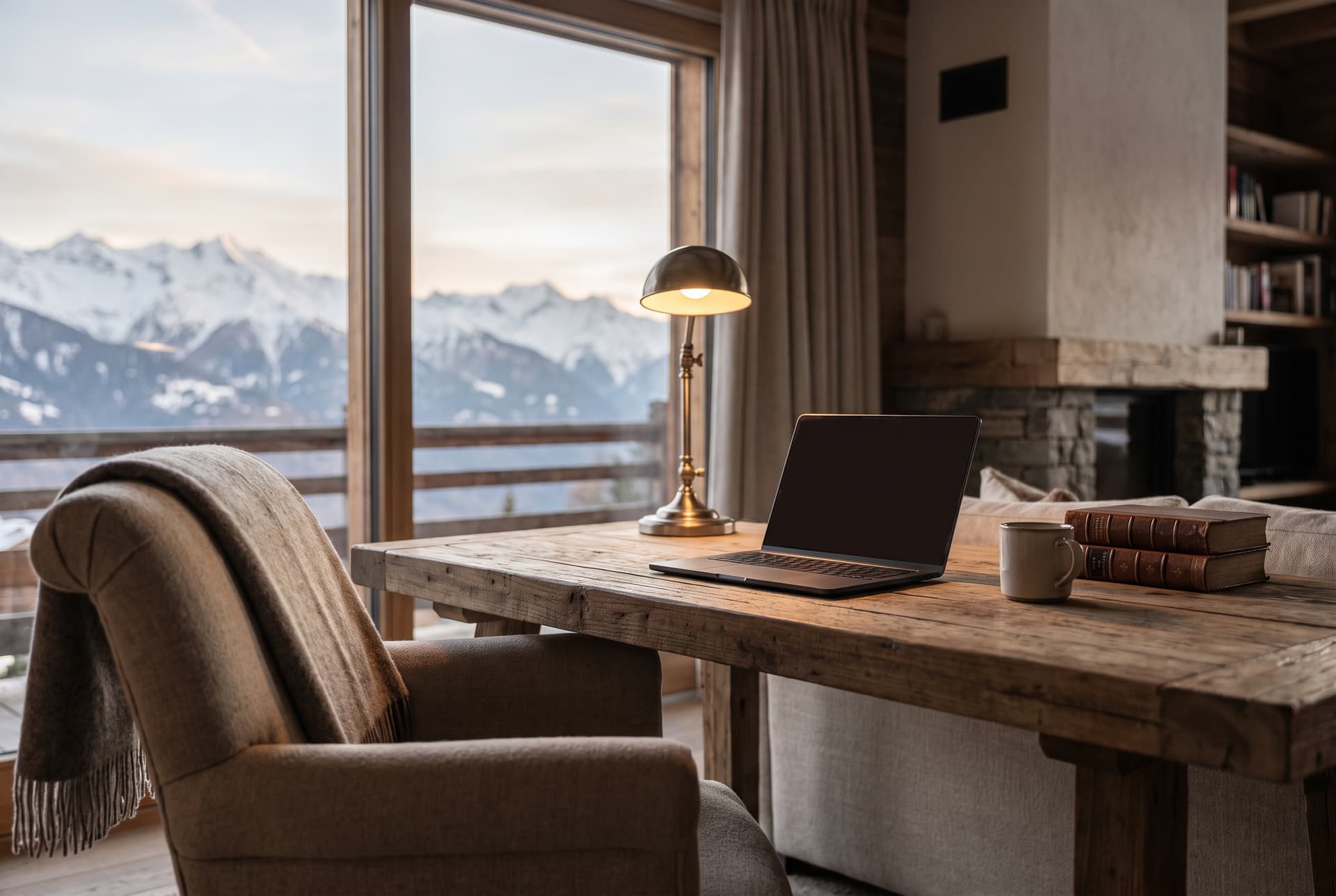
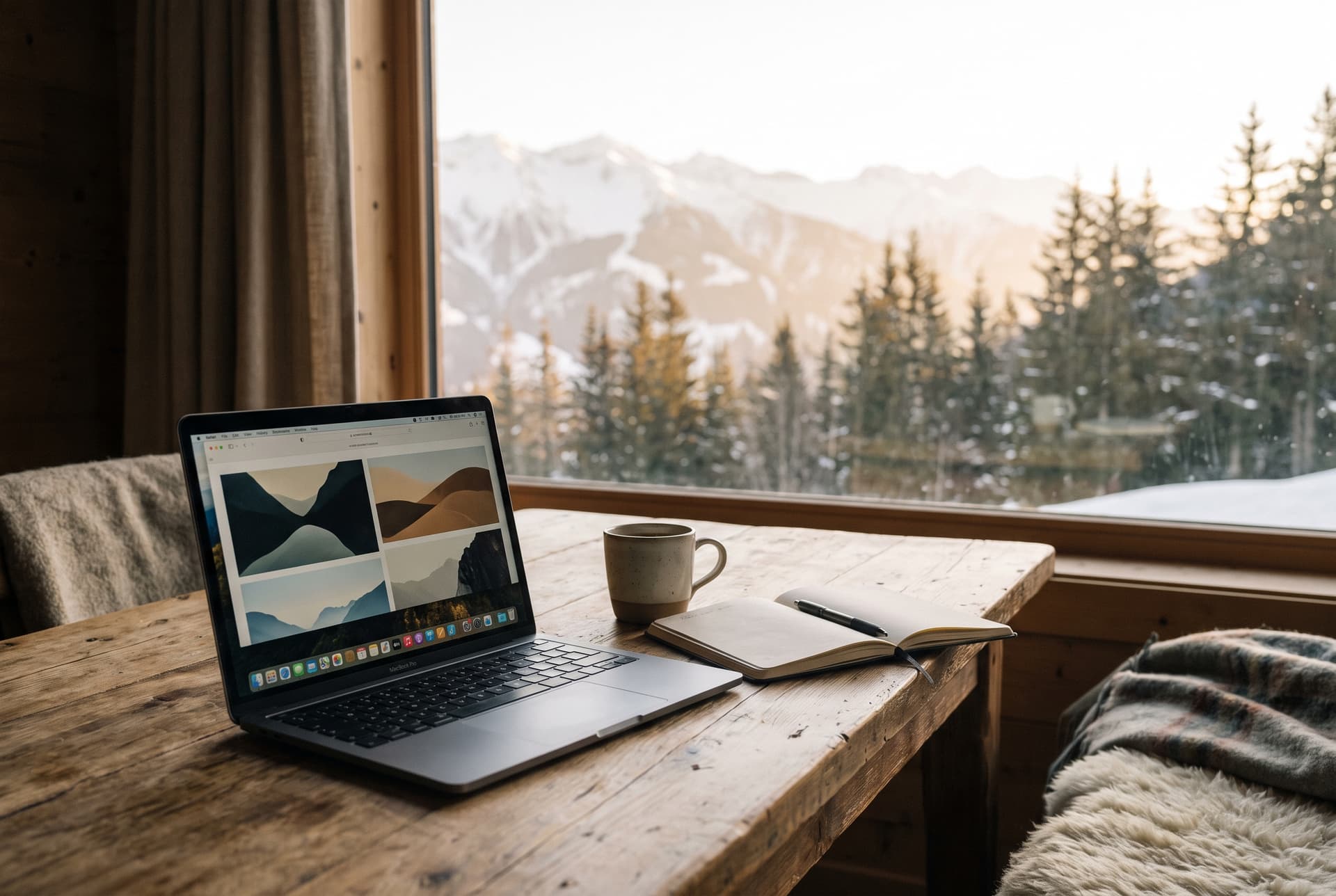
A laptop on a wooden table by a chalet window, with snowy mountains outside

The short answer: internet in the Alps is far better than it used to be. Fibre is reaching more mountain villages every year, and chalets that are still waiting for it are increasingly turning to Starlink, the satellite service that works almost anywhere with a clear view of the sky. If you need a reliable connection, the trick is to ask your host exactly how the chalet connects, not just whether it has wifi.

This guide explains the options, what to expect from each, and what to check before you book, especially if you're planning to work from the mountains for part of your stay.

Why mountain internet has been patchy

For years, many Alpine chalets relied on old copper phone lines, which were often slow by the time they reached a hamlet at the end of a winding road. Mobile signal could be strong in the village centre and disappear entirely a few bends further up the mountain.

That's changing. In the French Alps, public networks have been rolling out fibre across Savoie and Haute-Savoie, including in ski villages such as Morzine and Chamonix. But mountains make this slow and expensive work, so coverage still varies from one chalet to the next, even within the same resort.
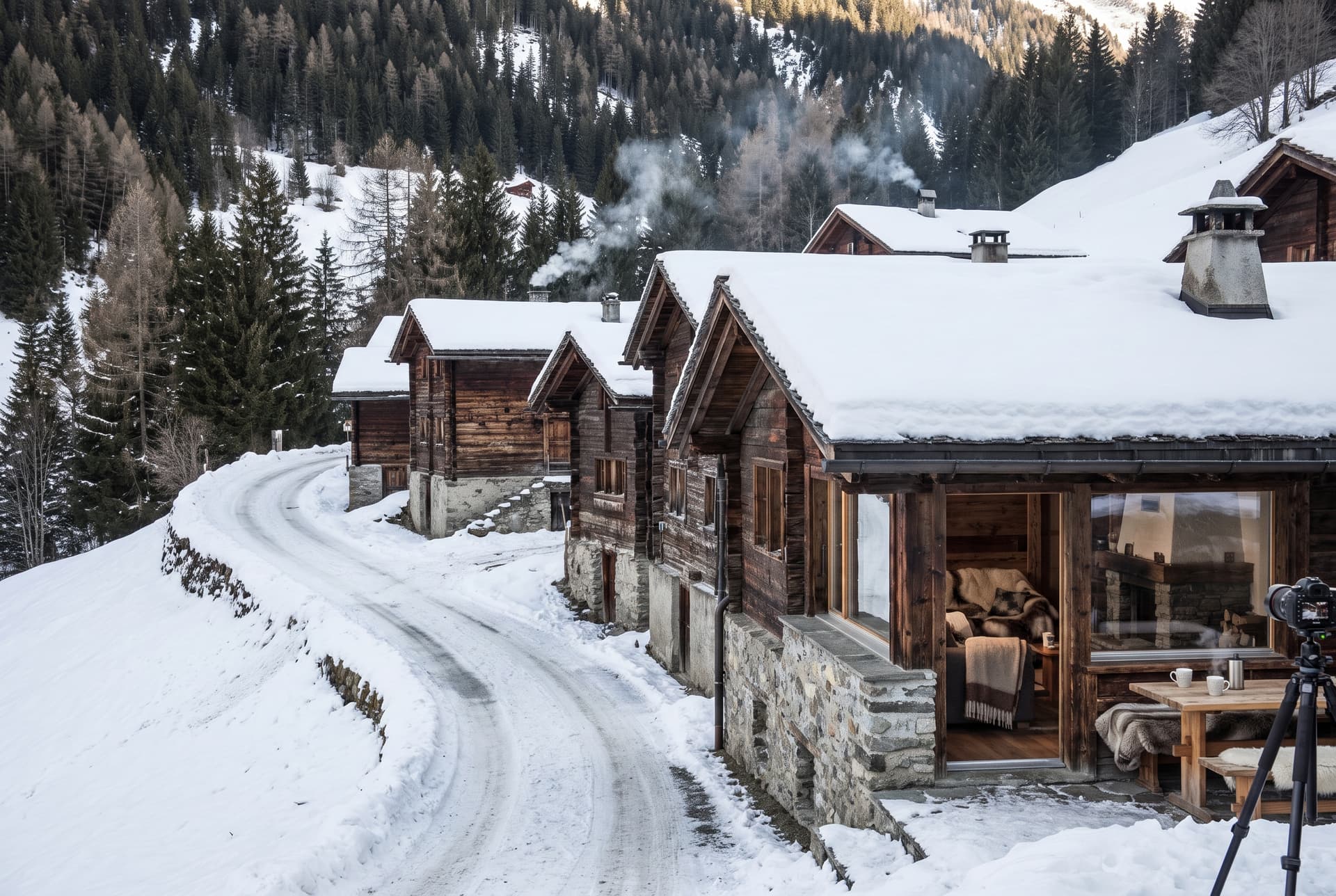
A small hamlet of timber chalets at the end of a winding snowy mountain road

How chalets get online

Most chalets connect in one of four ways, and it makes a real difference to your stay:

  • Fibre. The gold standard: fast, stable and unaffected by weather. If a chalet has fibre, you can usually work, stream and video-call without thinking about it.
  • Copper broadband (ADSL or VDSL). Fine for email and browsing, but often slow when several people are streaming at once, especially further from the village.
  • Mobile broadband (4G or 5G routers). Can be excellent in the village and patchy higher up. Speeds may drop in the evenings during busy weeks.
  • Starlink. Satellite internet that's become the go-to option for chalets beyond the reach of fibre.

The move to Starlink

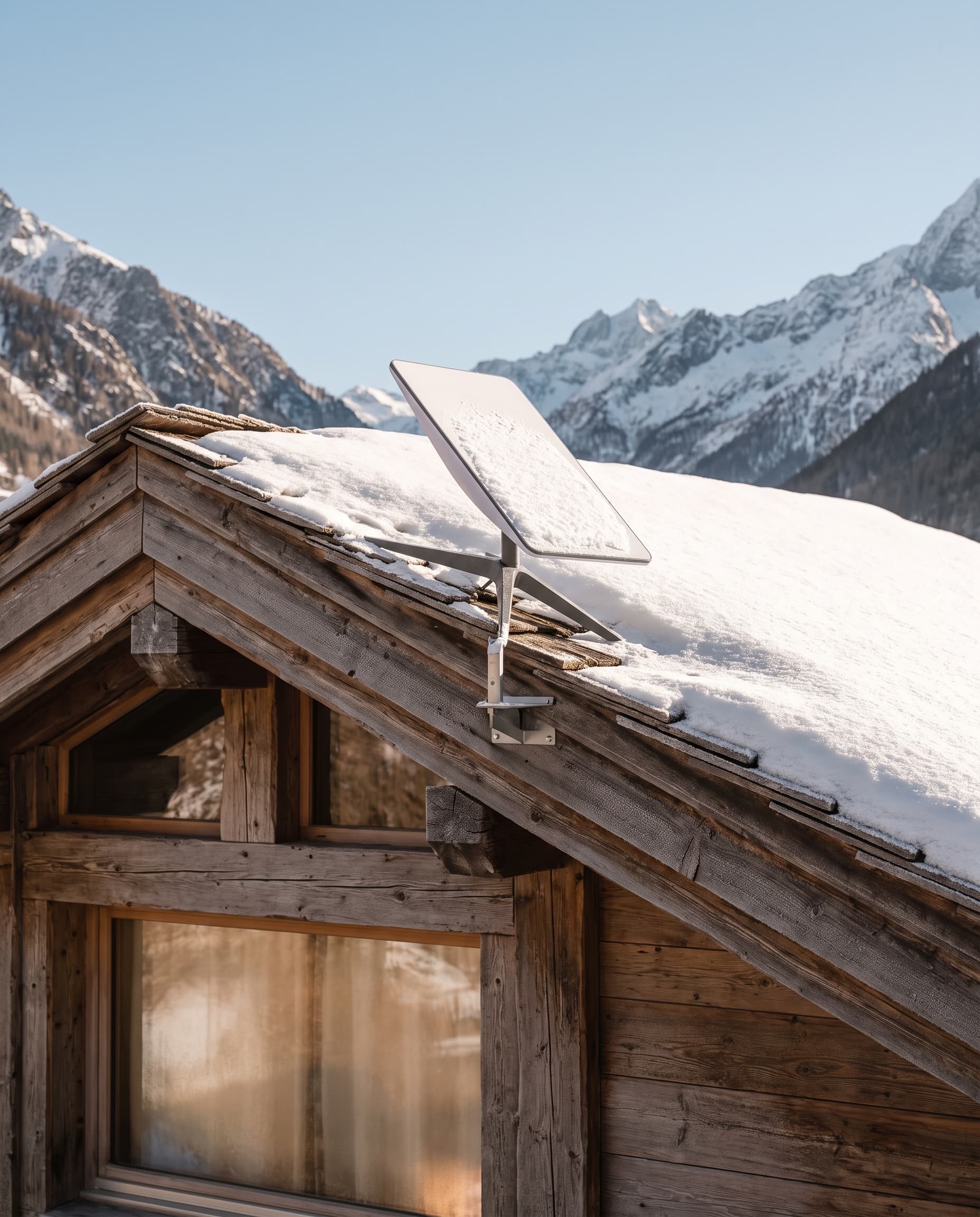
Starlink connects through a small dish that talks to satellites in low orbit, rather than relying on cables up the mountain. For a chalet at the end of a long track, or in a hamlet that's still waiting for fibre, it can turn a frustrating connection into one that comfortably handles video calls and streaming.

It has a few limits worth understanding:

  • It needs a clear view of the sky. Steep valley sides, tall trees or a neighbouring building can interrupt the signal, so where the dish is placed matters.
  • Heavy snowfall can cause short dropouts. The dish heats itself to melt snow, and light snow is rarely a problem, but a heavy, wet storm can briefly interrupt the connection.
  • It's not quite as instant as fibre. For calls, streaming and everyday work, most people won't notice. Fast-paced online gaming is where the difference shows.

The best-connected chalets now combine the two: fibre or Starlink as the main connection, with a mobile router as a backup, so a snowstorm never cuts you off.

A satellite internet dish on the snowy roof of a timber chalet under a clear blue skyA person on a video call at a desk in a cosy chalet room, with snow falling outside

Working from the chalet

More guests now bring a laptop and work for part of the week, skiing the quiet mornings or extending a holiday by a few days. If that's you, connection type is only half the picture. Check that:

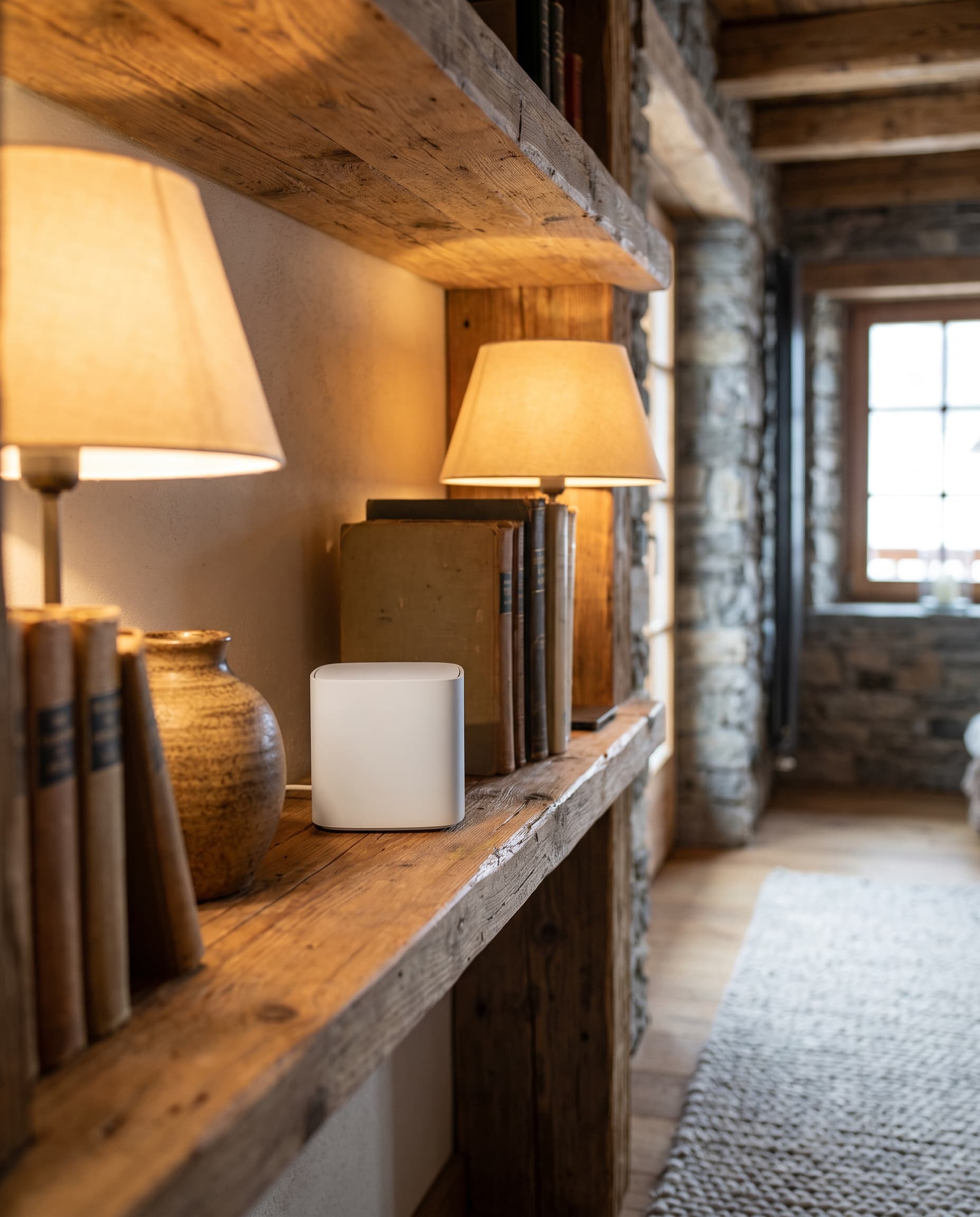
  • The wifi reaches every floor. Large timber and stone chalets can block signals, so a mesh system with access points on each floor makes a big difference.
  • There's somewhere quiet to work. A desk, a decent chair and a door you can close are worth more than a view when you're on a call.
  • You can plug in. A wired connection at the desk is the most reliable option for important calls.
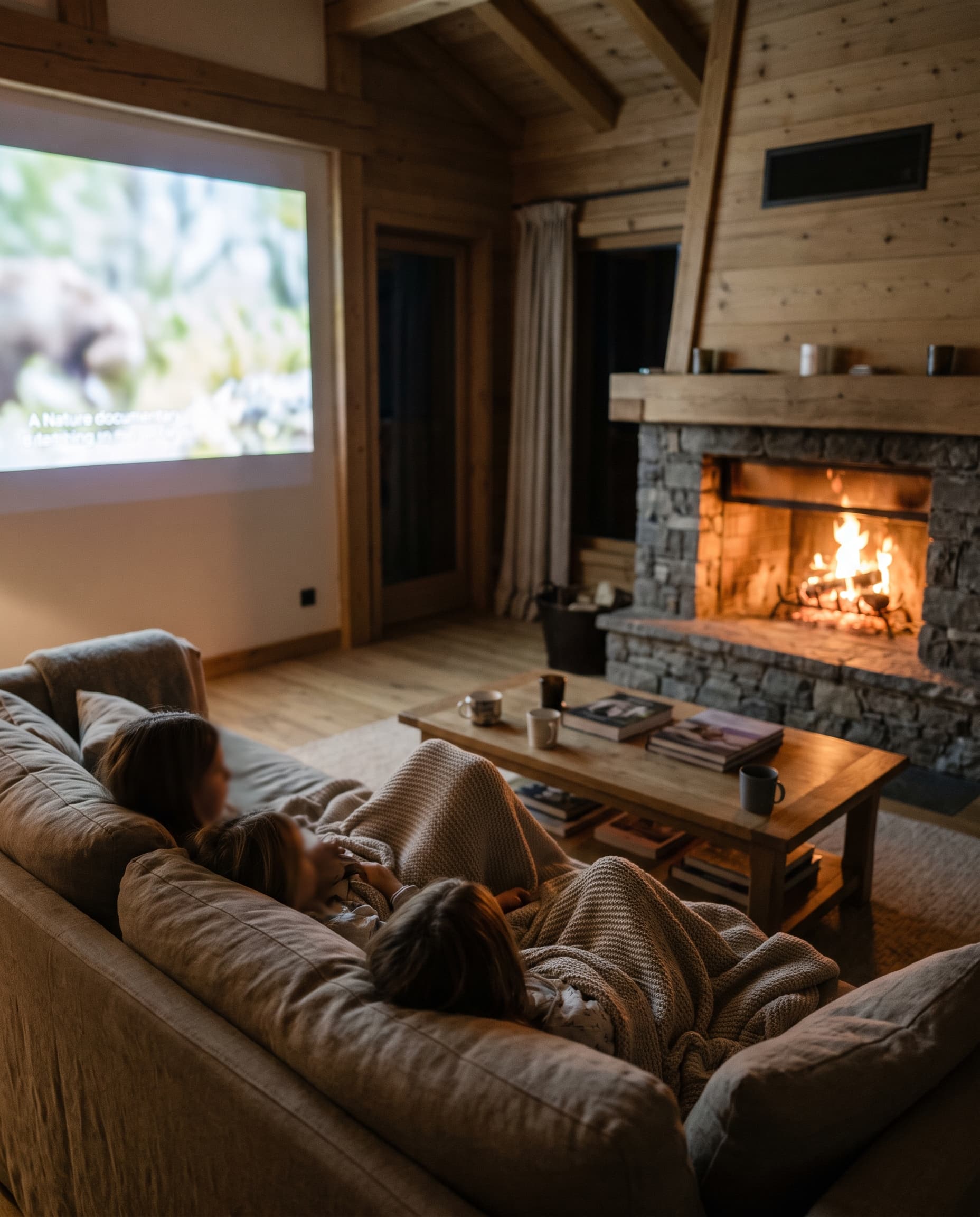
  • Everyone can be online at once. Ask how the connection copes with a full chalet in the evening, when the whole group is streaming.

If a connection really matters, ask the host for a recent speed test. A good host will happily send one.

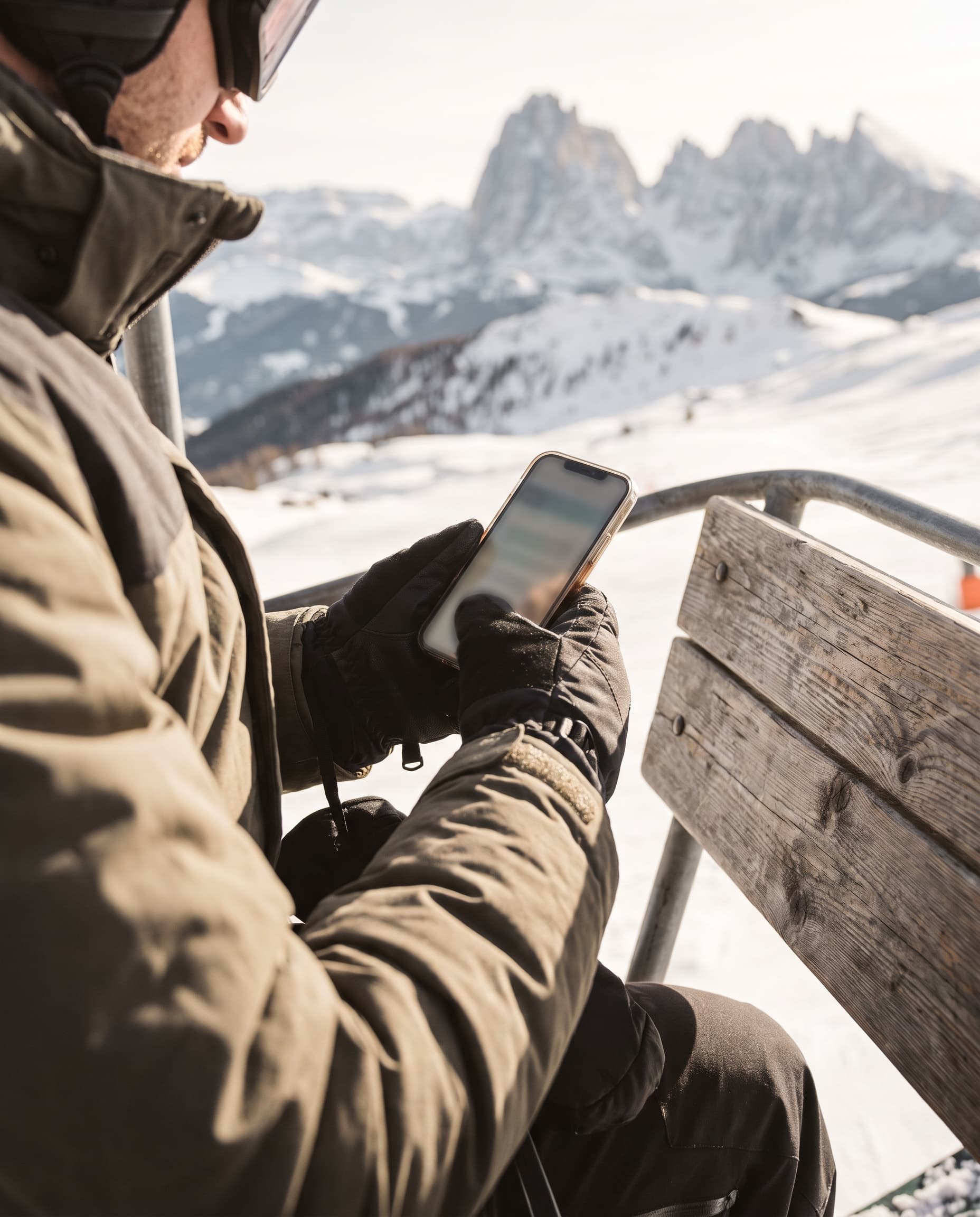
A small wifi access point on a wooden shelf in a chalet hallwayA family watching a film on the sofa in a cosy chalet living room by a log fireA skier checking a phone on a chairlift above snowy slopes

Staying connected on the slopes

Mobile coverage is generally good across the main ski areas, with 5G in many larger resorts, but it can disappear in steep valleys, on north-facing slopes and in the trees. A few tips:

  • Check your roaming before you travel. UK networks treat roaming in Europe differently, and Switzerland is often charged separately from the EU, which matters in ski areas like the Portes du Soleil that cross the border.
  • Consider a travel eSIM if your plan's roaming is expensive. It takes minutes to set up and avoids surprise bills.
  • Download the lift company app and piste map before you head up, in case you lose signal.
  • Keep your phone warm. Cold drains batteries fast, so carry it in an inside pocket.

A note for chalet hosts

Guests increasingly ask about internet before they book, and a strong connection is now part of what makes a chalet feel luxurious. If yours has fibre or Starlink, say so in your listing, along with whether there's a quiet workspace and wifi on every floor. If you're still on a slow connection, Starlink with a mobile backup is often the quickest way to fix it.

A quiet chalet study corner with a wooden desk facing a window onto snowy peaks

Questions to ask before you book

  • How does the chalet connect: fibre, Starlink, mobile or a phone line?
  • Is there a backup if the main connection drops?
  • Does the wifi reach every bedroom and floor?
  • Is there a desk or quiet room for working?
  • Can you send a recent speed test?

Every chalet on Peak & Chalet is booked directly with its host, so you can ask these questions before you commit. For more on what makes a great chalet, read our guide to what makes a chalet luxurious, or start with choosing your first ski chalet.


Planning a working week in the mountains? Browse chalets and ask hosts about their connection before you book.

Frequently asked questions

Do ski chalets have good wifi?

Many do, but it varies a lot between chalets, even in the same resort. Chalets with fibre or Starlink usually have fast, reliable connections, while those on old phone lines can be slow. Ask the host how the chalet connects before you book.

Does Starlink work in the mountains?

Yes, as long as the dish has a clear view of the sky. Steep valley sides, tall trees or nearby buildings can interrupt the signal, so placement matters.

Does Starlink work in snow?

Mostly, yes. The dish heats itself to melt snow and light snowfall is rarely a problem, but very heavy, wet snow can cause short dropouts. The best chalets have a mobile backup for this.

Can I work remotely from a ski chalet?

Yes, if you choose the right chalet. Look for fibre or Starlink, wifi on every floor and a quiet place to work, and ask the host for a recent speed test.

Is there phone signal on the slopes?

Usually, especially in the larger resorts, many of which have 5G. Coverage can drop in steep valleys, on north-facing slopes and in the trees, so download the piste map and lift app before you head up.

Will I pay roaming charges in the Alps?

That depends on your UK network and plan, so check before you go. Switzerland is often charged separately from the EU, which matters in ski areas that cross the border. A travel eSIM can be a cheaper alternative.